A QRapp For That
Data where it shouldn't be
I've always been drawn to subverting technology— using it in ways that it was never designed to be used. Whether that's a game boy game as a track release, artificial intelligence making shitty clocks, or a scooter that only moves when you scream into it, putting data where it shouldn't be is one of my favorite past times. I also love the weird ubiquitousness of QR— a format of rigid rules, appearing on every billboard ad, covid patio table, and kid toy manual.
So, in the interest of aforementioned subversion, I wondered: could you transmit an image using only QR? Sure, you could write third party QR scanner apps or platforms to do this, but I wanted to stay true to the rigidity of the standard. This had to work by default on devices without any downloads or workarounds (sorry Android). It didn't seem possible, until I considered going one level deeper and subverting a system with the system.
Enter the vCard
Ah, the humble vCard. Built for networking (in the LinkedIn "Dad | Innovator | Product Manager" sense), the vCard is the mitochondria of the address book. Storing contact info from the likes of N (name), ORG (company), and TEL;TYPE=CELL (phone number), the vCard can contain a plethora of personal information detritus. But down on the list of potential vCard properties, an underutilized, under-appreciated field exists: PHOTO. Not just a link to a URL, but a bonafied embedded image. PHOTO;ENCODING=b;TYPE=JPEG:/9j/4AAQSkZJRgABAQ... embeds the entirety of an image directly into the data of a vCard. And when scanned in QR form, instantly displays that image on your device. Bingo.
The Passion of the QR
The maximum data a QR code can hold is 2,953 bytes. With the overhead of the minimum data for a vCard, that shrinks down to 2,159 bytes, or about 2.1 KB. Unfortunately, only JPEG and PNG seem to be supported for vCards on iOS, so we're stuck with images that, at best, look like this:
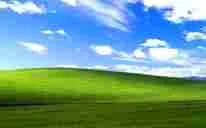
BUT, that's an image! Sendable via QR code. Without any networking (in the Linksys "SYN | SYN-ACK | ACK" sense) whatsoever.
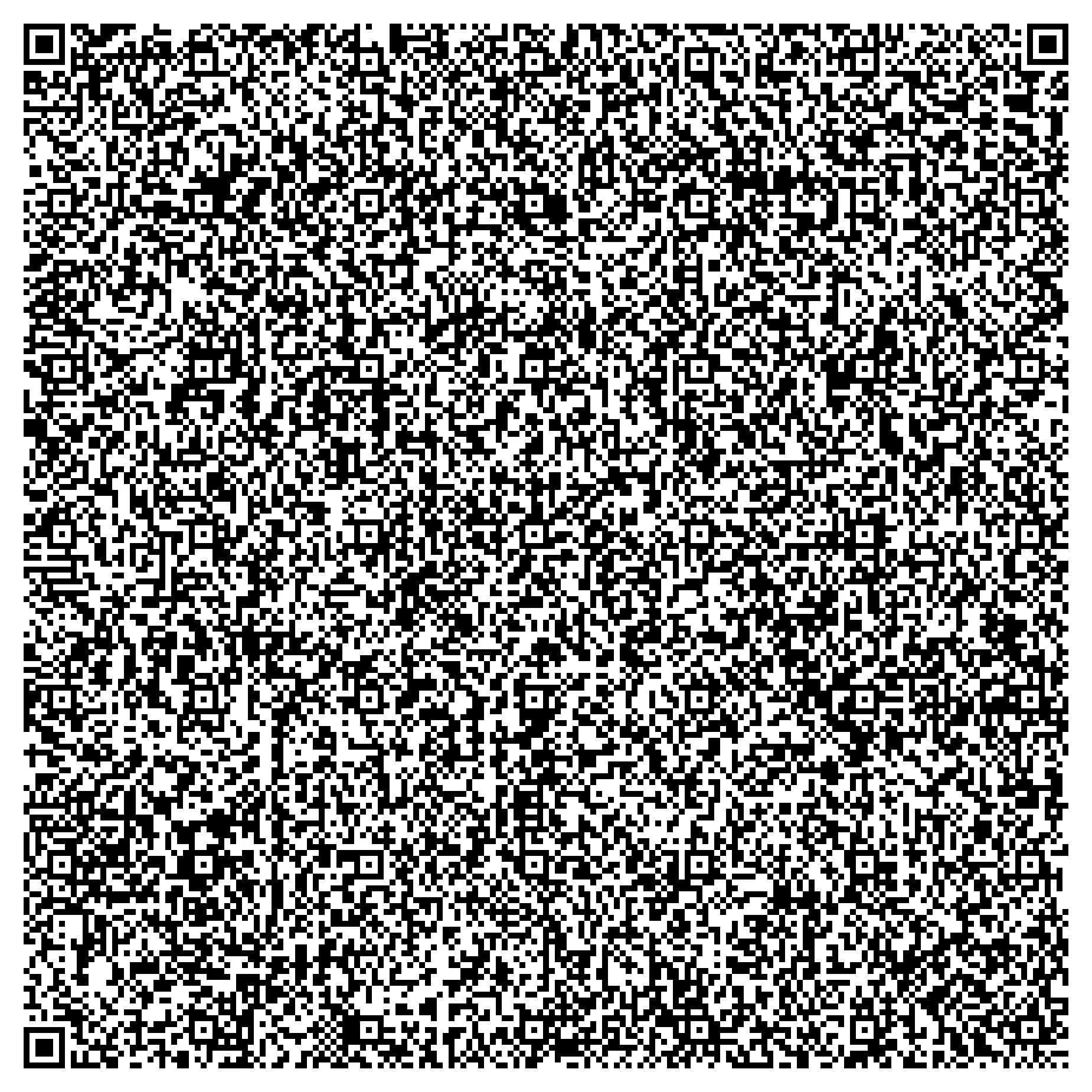
With great power comes great responsibility. What could I make with this incredible transference of imagery?
QRapp #1: sQReening
The first of the experiments, sQReening, is a test of taking image transmission to the most insane degree. Could you... stream an entire film using solely QR vCards? Turns out you can, one scannable frame at a time! And it's... terrible! But it works. And that's all we care about here.
Because audio doesn't transfer (oh, what could have been with the SOUND vCard property...), the best fit for such a feat is silent films. Doesn't hurt that they're all in the public domain.
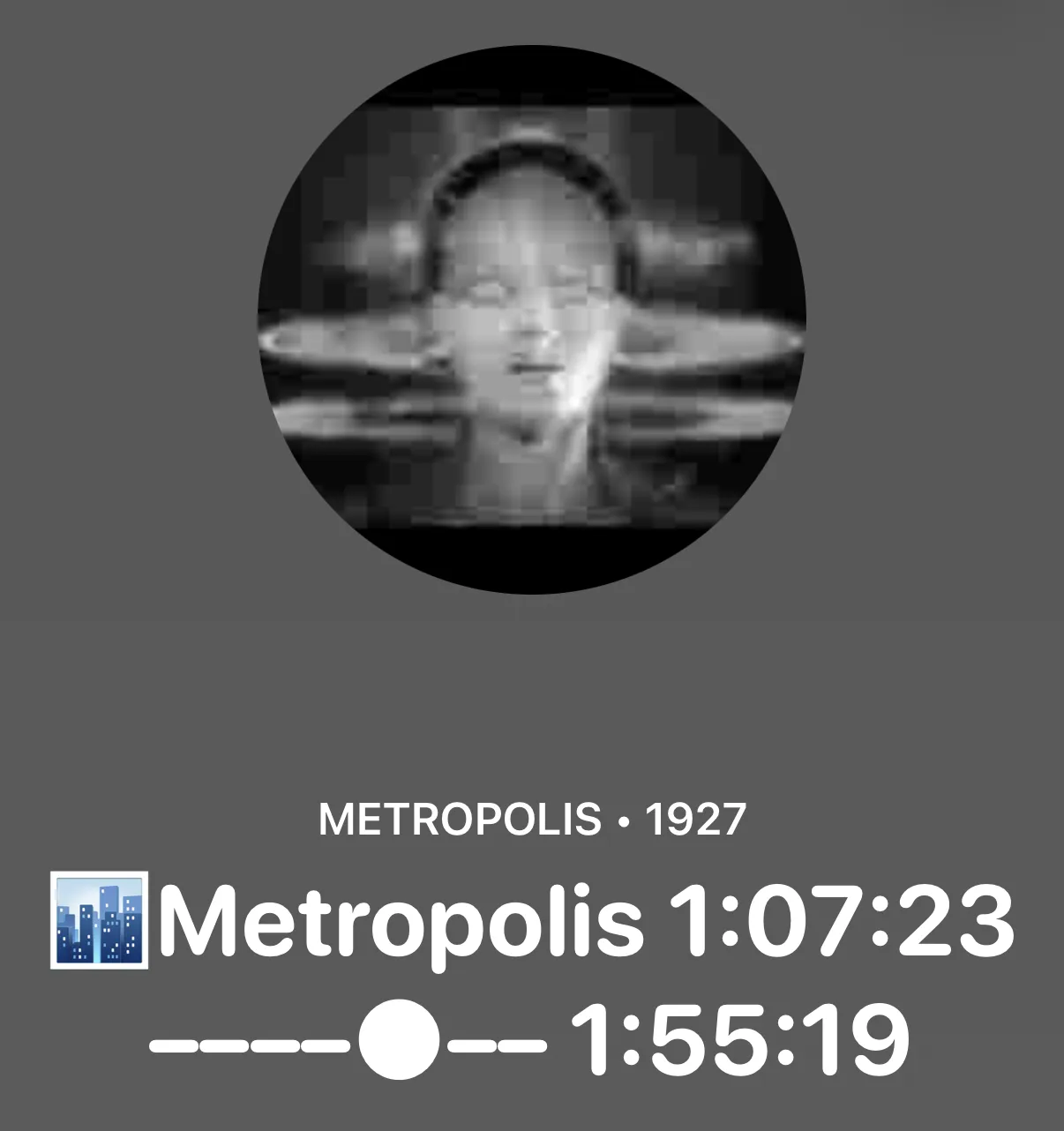
So, when you go to sQReening, we stream one of 7 films and your browser encodes it frame by frame into QRs, allowing your phone to feast on its hard work. You can watch it in 24 QRPS, or 1 QRPS to make it easier to scan. What's playing is in sync with everyone else on the page and we have a lot of great movies that play throughout the day:
- A Trip to the Moon (1902)
- The Cabinet of Dr. Caligari (1920)
- Nosferatu (1922)
- The Phantom of the Opera (1925)
- Battleship Potemkin (1925)
- The General (1926)
- Metropolis (1927)
QRapp #2: QameRa
From the learnings from that came the second experiment, QameRa. If you can transmit any image, could that image just be live from your device's camera?
Sure!
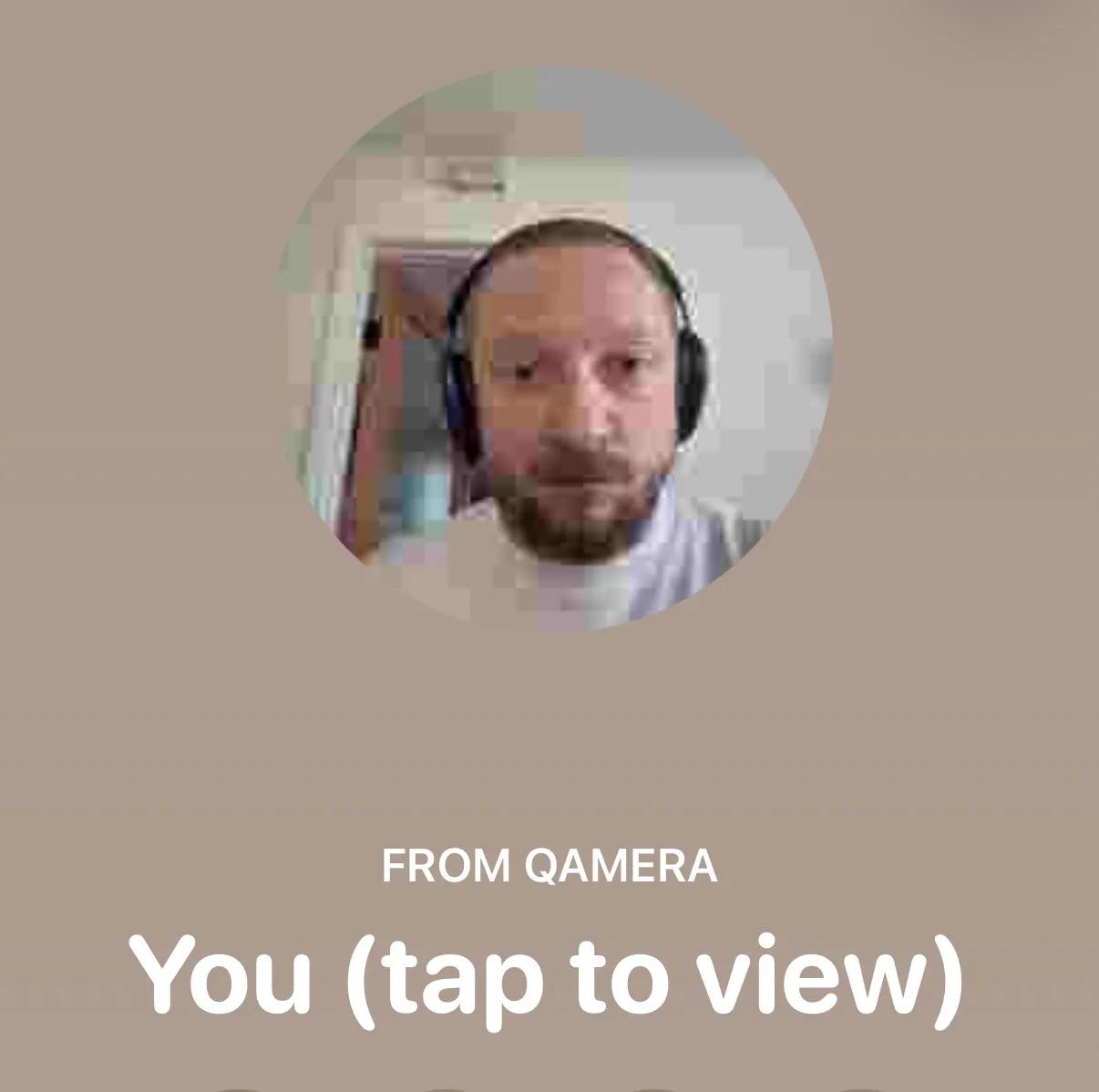
So, your browser streams the footage from your camera into QR, allowing you to freeze it for a moment to capture it, "transmitting" your likeness from your computer's camera to your Phone. A photo booth with an output entirely contained within a QR code.
"Why?" you might ask. "You have plenty of ways to capture your likeness, including the very camera you used to scan this QR code!" To that I say: "okay."
Also, it's nice to just look at QR noise.
QRapp #3: QaRaoke
Finally, my last and favorite of the three: not only a subversion of both QR and vCard, but also of the UI that Apple uses to preview QR.
In making the sQReening project, I noticed that iOS was very good at continuously updating the mini vCard preview in Camera.app. So much so that I incorporated a live playhead on sQReening that, while a bit blinky, updates in real time to show how far through the current film you were.
And it was in the question of how to play with that discovery that I had the idea to bring the world's most favorite streaming-of-words-to-your-face experience to QR: karaoke.
Synced with a backing track, as long as your device is fast enough at decoding QR, you can have the incredible experience of a karaoke room in the comfort of your living room, conveniently contained within ~5,000 QR codes scanned by your phone.
QuiRks
Making these three experiments required me to push QR beyond its intended use. Nobody has ever asked for a faster rendering of a QR code for good reason. Why would shaving fractions of a second on making a QR code matter? Turns out it does when you're attempting to stream silent films using only QR.
After benchmarking a bunch of popular QR generators, Ryan Day's node-qrcode came out the winner. But could we (read: Claude and I) do better?
The answer is yes. But likely only because I'm the only one who's trying (or ever going to try) to generate QR codes faster. By caching some of the generation calculations, we save a fair amount of resources. A few other Claude-inspired adjustments made it even speedier—basically pre-calculating a bunch of parts of QR generation so that it doesn't have to be recalculated for every code generated.
TurboQR is 1.4x faster than the wonderful node-qrcode and 5.6x faster than qrcode-generator, the most popular QR code library.
And thus turboqr was born and integrated into the site.
(If you really want to go crazy and make enemies with the International Organization of Standardization, you can use generateFast() which eschews some of the processes that creates the most scannable QR codes, pumping them out at 10x the next best. But don't tell anybody I said this.)
The Why
Listen, if you've read this far down, you probably either also have whatever brain worm I have that makes me do shit like this or you're voyeuristic for insanity. But in reality, like I said, stuff like this is just fun. I love taking incredibly old, brand-spanking new, and anything-in-between technologies and using them in chaotic good or neutral ways.
Plus, down here I've left one extra little experiment. The BBC World Service, streaming live, via QR. Enjoy.